Preserving and Maintaining Classic Gaming Consoles: Keeping Retro Hardware Alive
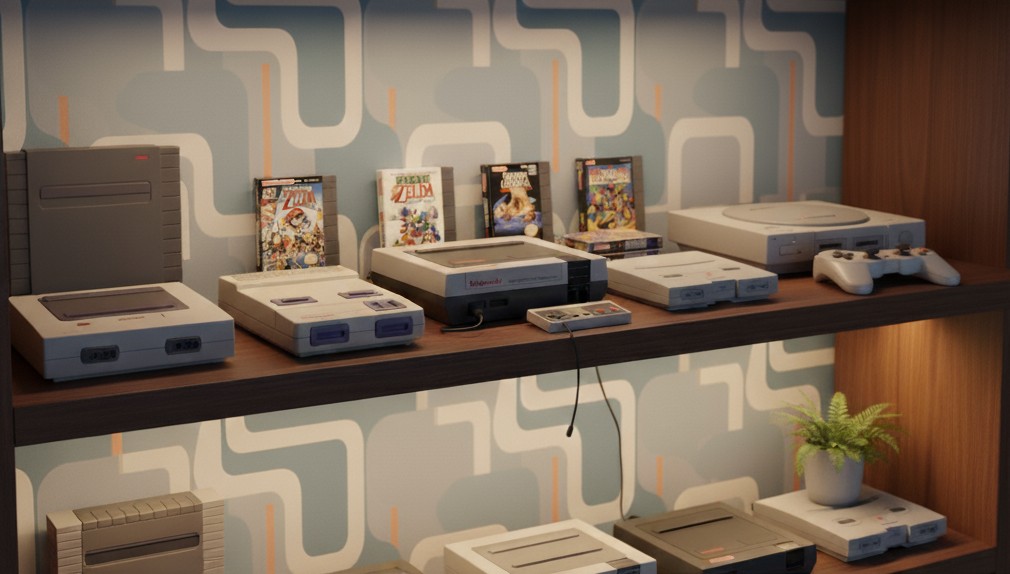
Classic gaming consoles hold a special place in the hearts of gamers and collectors alike. From the warm glow of a CRT playing an NES game to the satisfying click of a Sega Genesis cartridge, these machines represent the golden age of gaming. But as decades pass, the components that made them great begin to degrade. This guide explores how to preserve, restore, and maintain vintage gaming consoles so they can keep running for years to come.
Understanding Console Aging
Before you grab your screwdriver, it helps to know what actually wears out in old consoles. Most vintage systems were not built with long-term preservation in mind. Over time, plastic becomes brittle, capacitors leak, and connectors corrode.
Common age-related issues include:
- Electrolytic capacitor leakage: causes image distortion, power instability, or no video output
- Oxidized cartridge or controller ports: leads to poor contact and intermittent gameplay
- Yellowing plastic cases: due to UV exposure and heat
- Dust and debris accumulation: traps heat and damages internal components
- Dead internal batteries: common in cartridges with save functions
Knowing what to look for helps you plan repairs or preventive maintenance before problems become irreversible.
Cleaning and Dust Removal
The simplest and most effective way to extend the life of your console is regular cleaning. Dust and grime buildup can cause overheating and electrical shorts.
What you’ll need:
- Soft microfiber cloths
- Isopropyl alcohol (90% or higher)
- Cotton swabs and a soft brush
- Compressed air or hand blower
Steps:
- Disconnect the console and remove any cartridges or accessories.
- Use compressed air to blow out dust from vents and ports.
- Gently clean external surfaces with a damp cloth and mild detergent.
- For cartridge slots, dip a cotton swab in alcohol and carefully clean the contacts.
Avoid using water near ports and avoid over-saturating the cloth. Always let components dry completely before reconnecting power.
Internal Maintenance and Recapping
Inside the console, the most common failure points are capacitors. Over time, these small components dry out or leak, causing performance issues or complete failure.
If you’re comfortable with electronics repair:
- Open the console using appropriate screwdrivers (some require special security bits).
- Inspect capacitors for bulging or leakage.
- Replace damaged capacitors with high-quality equivalents (same µF rating and voltage).
- Check for corrosion or damage around the power circuit and audio/video sections.
If soldering isn’t your skillset, local retro repair shops or online restoration communities can often help with recapping services.
Restoring Discolored Plastics
Many consoles from the 80s and 90s, especially Nintendo and Sega systems, turn yellow over time. This happens due to bromine oxidation in flame-retardant plastics.
Restoration method:
Use a process called retrobrighting, which involves applying hydrogen peroxide cream to the discolored surface and exposing it to UV light.
Quick steps:
- Remove all electronic components.
- Apply hydrogen peroxide (12–15%) evenly across yellowed areas.
- Wrap in clear plastic and place under a UV lamp or sunlight for several hours.
- Rinse thoroughly and dry.
The plastic will return to its near-original color, giving your console a fresh, nostalgic look.
Protecting Cartridges and Controllers
Your games and accessories deserve just as much attention as the consoles themselves. Dust and oxidation can affect cartridge pins and controller responsiveness.
Tips for cartridge care:
- Store cartridges upright in a cool, dry place.
- Use protective cases to prevent dust accumulation.
- Clean contacts with a soft eraser or alcohol-soaked swab.
- Avoid blowing into cartridges, moisture from breath can cause corrosion.
For controllers:
- Open and clean buttons using isopropyl alcohol.
- Replace worn conductive pads or membranes (readily available online).
- Keep cables untangled and store them loosely to prevent internal wire breaks.
Long-Term Storage and Display
Proper storage is essential to preserve your collection. Temperature, humidity, and UV exposure all affect plastic and circuitry longevity.
Storage best practices:
- Maintain a stable temperature (18–24°C) and low humidity (below 50%).
- Avoid direct sunlight and fluorescent lighting.
- Store consoles in breathable containers or display cases with airflow.
- Keep power supplies unplugged when not in use to prevent voltage spikes.
Consider using silica gel packs inside storage boxes to absorb excess moisture and protect electronics from corrosion.
Using Modern Video Connections
Many retro systems were designed for CRT televisions using composite or RF output. As CRTs disappear, connecting these systems to modern displays can be tricky.
Solutions include:
- RetroTINK or OSSC: converts analog signals to HDMI with low latency
- RGB or component mods: for improved image clarity and color accuracy
- HDMI adapter kits: available for popular systems like NES, SNES, and Dreamcast
Using proper adapters helps preserve not just the look but also the feel of retro gaming on today’s hardware.
Lessons Learned
Preserving old consoles is a mix of maintenance, patience, and respect for vintage engineering. The process teaches valuable repair skills while keeping history alive.
Key takeaways:
- Regular cleaning and inspection prevent most failures
- Replacing capacitors and batteries extends console life
- Restoring plastics improves appearance without damaging originality
- Proper storage protects against heat, moisture, and light damage
Every console you maintain is a piece of gaming history saved from obsolescence.
Conclusion
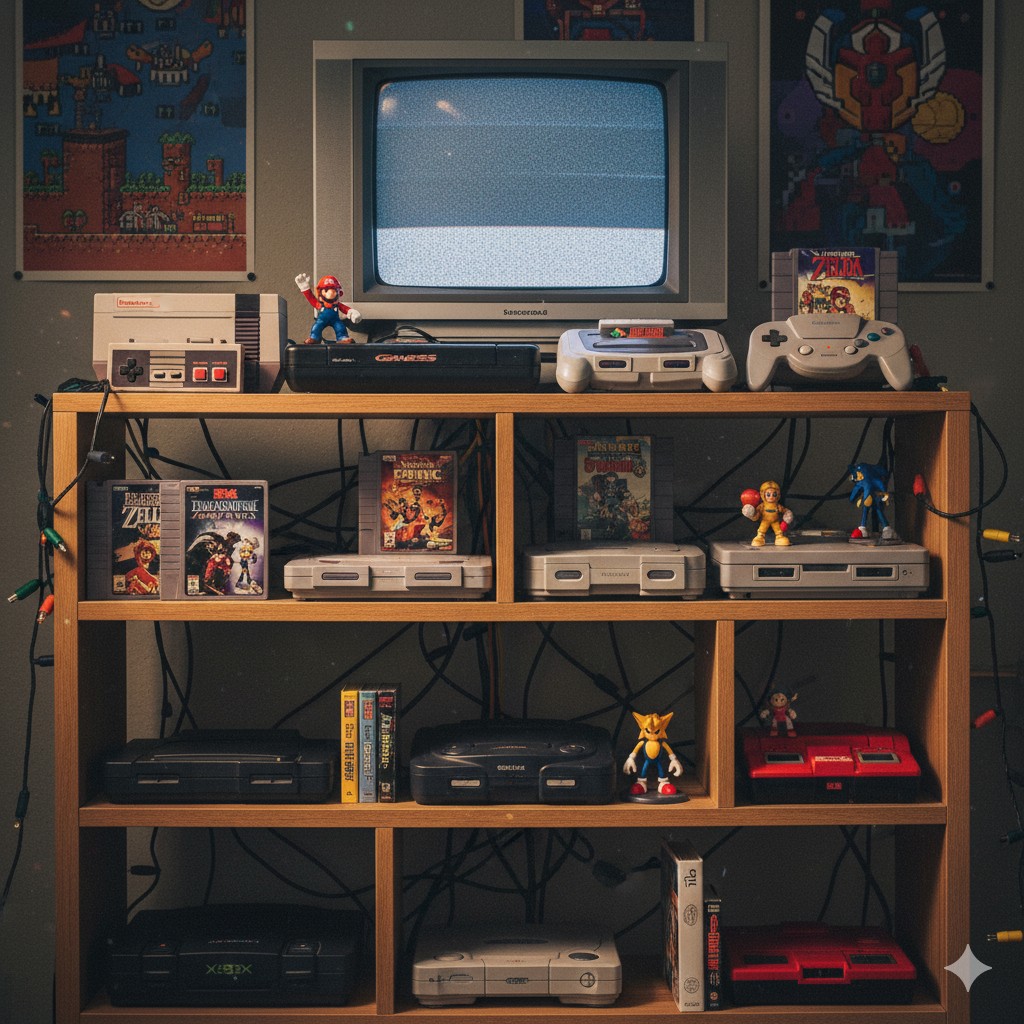
Caring for classic gaming consoles is more than a hobby, it’s preserving the legacy of interactive entertainment. Each system, from the NES to the PlayStation 2, represents innovation and joy that shaped generations of players.
With regular maintenance, careful restoration, and a bit of modern ingenuity, your retro systems can continue to power on for decades to come, keeping the magic of classic gaming alive for future enthusiasts.